
Which backup tool is right for you?
b-oss offers two ways to back up your blipfoto journal. Here's how to choose.
Quick guide
Choose b-ark-chrome if you're on Mac or Linux, you usually post from your computer, or you want the simplest possible setup — one click from the Chrome Web Store, no installer, no security warnings, and silent automatic updates.
Choose b-ark if you regularly post from your phone or tablet and want your backup to happen on a timer, automatically, regardless of whether you open a browser. As long as your Windows PC is running, b-ark will keep your archive up to date.
Detailed Comparison
| b-ark-chrome | b-ark | |
|---|---|---|
| Platform | Chrome or Edge on Windows, Mac or Linux | Windows only |
| Installation | One click from the Chrome Web Store — no security warnings | Installer download from GitHub; Windows will show a security warning (no signing certificate) |
| Updates | Silent and automatic via Chrome | Automatic via built-in updater (GitHub releases) |
| How backup triggers | When you publish a blip, or when you visit a blipfoto page after a gap | On a timer — runs in the background whether or not you visit blipfoto |
| If you post from phone or tablet | Backup triggers next time you open blipfoto in the browser on that machine | ✓ Timer fires regardless of how or where you post |
| Backup on publish | ✓ Captures new blips within seconds of posting from your computer | Not available |
| Mac / Linux support | ✓ | ✗ |
| Number of accounts | Single account | Multiple accounts |
| Backup completeness | Full — gap-check and redo run on every trigger | Full — gap-check and redo run on schedule |

b-ark-chrome : Backup & Archive
b-ark-chrome is a Chrome extension that backs up your blipfoto journal automatically. It captures new blips the moment you publish them and checks for any gaps each time you visit blipfoto — no installer, no timer to configure.
- Backup on publish. Captures new blips within seconds of posting from your computer.
- Cross-platform. Works on Windows, Mac and Linux wherever Chrome or Edge runs.
- Simple setup. One click from the Chrome Web Store — no installer, no security warnings.
- Silent updates. Chrome keeps it up to date automatically.
b-ark : Backup & Archive
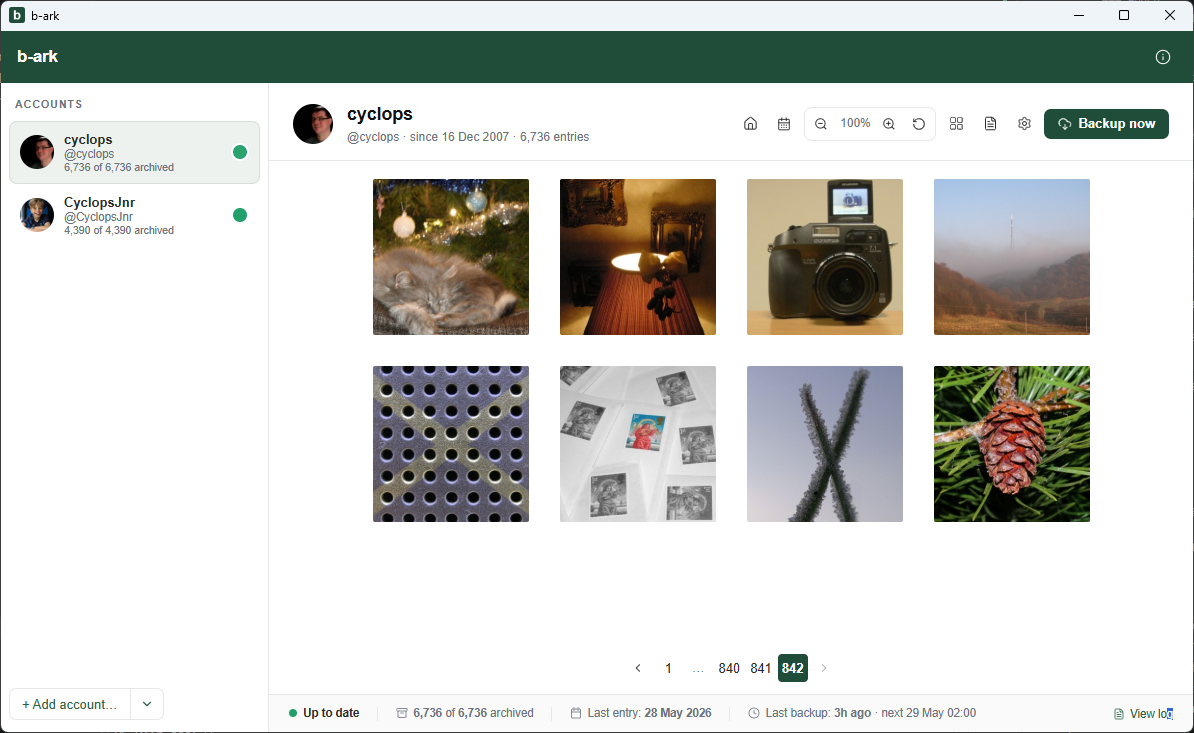
b-ark makes a local copy of every blip you've ever posted (images, text and metadata) on your own machine, automatically keeping it up to date. Browse offline, publish to the web, or hand over to AI tools to explore and create new formats.
- Backup. A local copy of every blip, updated automatically.
- View. Browse your archive offline in the built-in viewer.
- Publish. Copy the backup folder to any web host to publish.
- AI-ready. README.md for AI tools: Use AI to build photobooks, slideshows, statistics, custom sites.
Contact us with feedback, suggestions and bugs.
Get in touch